
APPLICATION PROCEDURE
- Read the rules and regulations thoroughly in Rules and guidelines for circles.
- Create your cutout image and prepare it according to How to make a cutout image.
- Apply for a booth through the form within the specified date and time and check the list of applicants.
- On the entitle applicant list announcement day, check if your name is on list. If yes, continue to payment.
For oversea applicant, the payment can be made alternatively via Stripe. The payment link will be sent to your email. Direct transfer to our Thai bank account is also accepted if it is possible for you. - When the payment status has been marked, it is a confirmation of your attendance. You can start preparing the products now!
- Check your booth number on the floorplan announcement day.
- Use the booth number given to create a menu image to promote your work on the event’s fan page (optional).
- Circle registration card will be sent to the booth owner’s email approximately 1-2 weeks before the event. *Very important, do not forget to keep your email checked. If you cannot find, please also check in the Promotion / Spam / Junk Mail box first. If the mail is still not found, please contact our staffs to resend. Do not forget to let us know your booth name, booth number, and registered email address.
- Prepare yourself and do good work!
- Spare some time for traveling on the showday as the traffic can be very busy and there may be many circles queuing to register. See you soon!
CUTOUT IMAGE
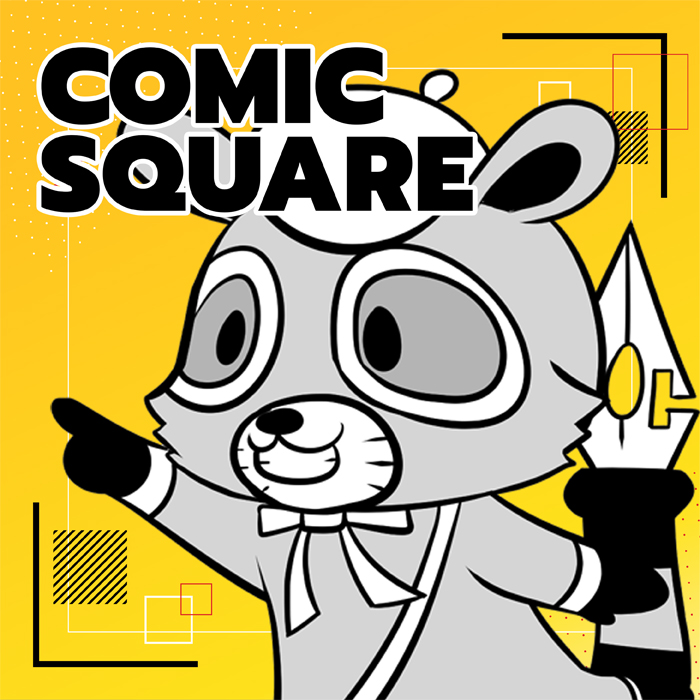
Cutout image is an illustration that represents the booth and will compiled into an album and uploaded onto the COMIC SQUARE fan page. It is used to inform prospected buyers which artists will be joining the convention, as well as the booth number and location.
INSTRUCTION
- Draw or create an illustration of your circle as detailed below.
- Write the name of the booth or include the booth’s logo clearly.
- Image size 700×700 pixels.
- Color or B/W illustration are both acceptable.
- Logo or booth name is included and clear.
- No nudity or swear word is allowed. (See Regulation regarding NSFW (R-18) Products)
- The illustration must be made by yourself. Do not use any image of the others that you do not have right to use to make your own cutout image.
- There are no templates to download. The sidebar and booth number will be filled in by our staffs.
- Save it as a .JPG file by and name it CQ9CUTOUT-Your Booth Name.jpg
- Attach the cutout file within the application form. Please check the correctness before submitting because you will not be able to make changes to the cutout image file in any case once the file has been sent.
SELECTION
| Booth Type | Selection Method |
| Circle | Lotto, order of application recieved is not considered. |
| Exhibitor/Shop/Food & Beverage | Staff selection, and lotto in case there are more multiple equivalent qualified applicants than available spaces. Order of application received is not considered. |
APPLICATION PERIOD
Booth Application
September 26 – October 19, 2025